SW240|1080p BenQ Photographer Monitor
Capture the Moment, Faithfully

Accessories
Projectors
Monitors
Lighting
Accessories
Interactive Displays & Signage
Shop
Welcome to BenQ Europe
How can I change my BenQ cookie settings?
Some essential features on BenQ sites just won’t work without cookies. And having other cookies switched off can seriously affect the way you’ll be able to enjoy our services.
Please check your cookie settings below and turn on any cookies you’re happy with.
“Strictly necessary” cookies can’t be turned off. But Functional and Performance cookies can be turned on or off below. You can learn more about cookies and what they do on our other pages.
If you've chosen to block third-party cookies on your browser, your cookie preferences won't carry over from benq.eu to benq.xx and vice versa. Please make sure to set your cookie preferences in both places.
On
Strictly necessary cookies
These cookies are essential so that you can move around the website and use its features. Without these cookies services you have asked for cannot be provided.
On
Off
Functional cookies
These cookies allow the website to remember choices you make to give you better functionality and personal features.
On
Off
Performance cookies
These cookies help to improve the performance of BenQ. If you want to opt-out of advertising cookies, you have to turn-off performance cookies.
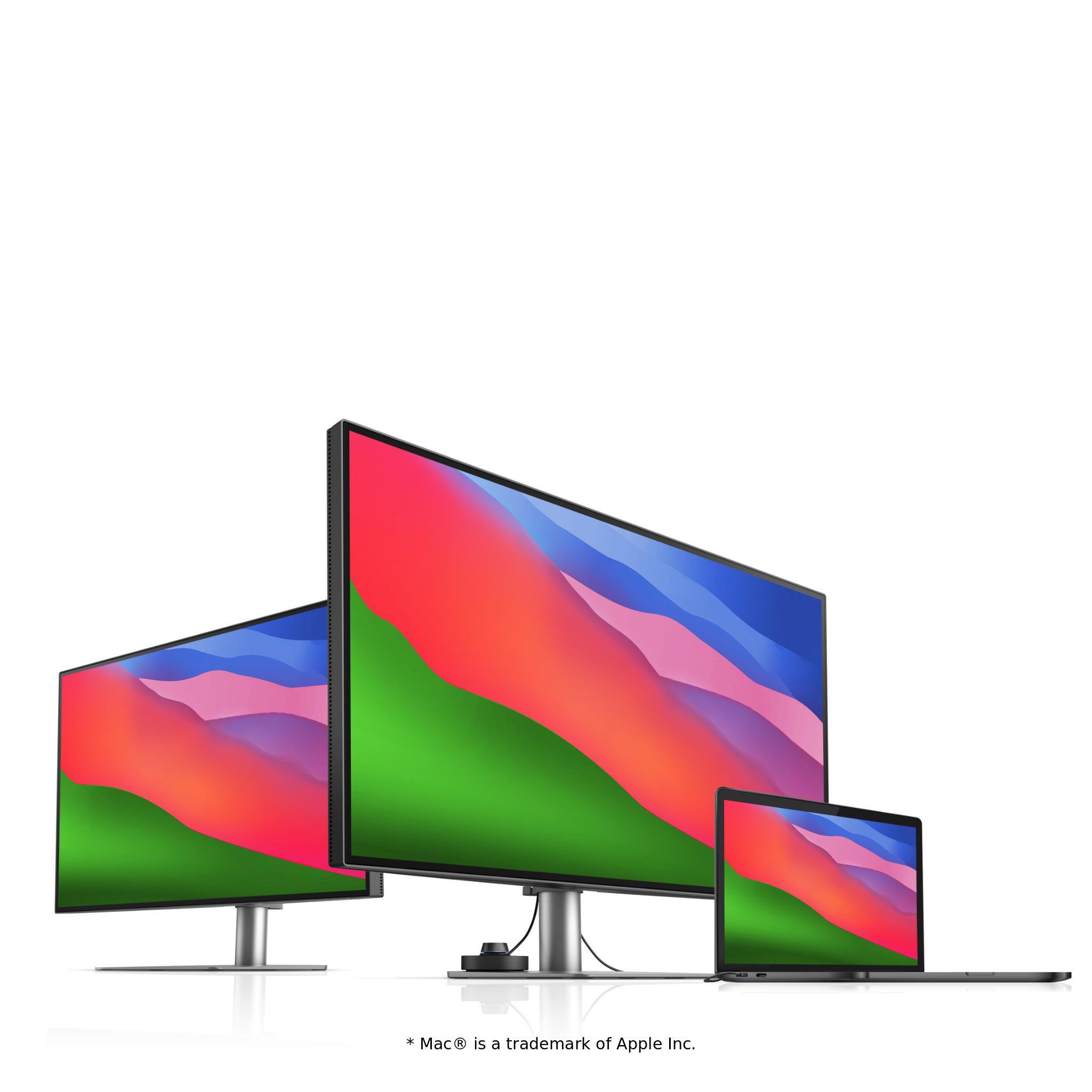
Just landed! MA320UG 4K 120Hz Monitor for Mac
Shop NowJust landed! MA320UG 4K 120Hz Monitor for Mac
Shop Now
Important Product Recall Notice - GV31
Read moreImportant Product Recall Notice - GV31
Read more
Need advice? Our online chat connects you with real experts instead of bots
Chat with us todayNeed advice? Our online chat connects you with real experts instead of bots
Chat with us today
Capture the Moment, Faithfully
Uniformity Control
Full Screen Calibration via Micro-Zone Correction
Color Tolerance Management
High-Precision Instrument Alignment
Industry Standards Compliance
From Rec.709, DCI-P3 to Adobe RGB and Beyond
Uneven color and dim corners aren’t just annoying, they distort your work. BenQ tackles what others overlook. Through full screen calibration, we ensure consistent brightness and color across the entire screen. So whether you're editing center frame or checking the edges, you can create with total confidence.
Non-Uniformity
BenQ Color Uniformity
BenQ empowers creative professionals with AQCOLOR technology to help inspire ideas and make projects come to life.
SW240 covers 99% AdobeRGB, 95% P3, 100% sRGB. BenQ AQCOLOR technology delivers Accurate Reproduction.
The 14-bit lookup table (LUT) improves color blending for precise reproduction. Delta E ≤ 2 in Adobe RGB and sRGB color spaces assures accuracy.
Use Palette Master Element and a calibrator to customize color settings or maintain the display's color at its optimal state.
SW240 covers 99% AdobeRGB, 95% P3, 100% sRGB. BenQ AQCOLOR technology delivers Accurate Reproduction.
The 14-bit lookup table (LUT) improves color blending for precise reproduction. Delta E ≤ 2 in Adobe RGB and sRGB color spaces assures accuracy.
Use Palette Master Element and a calibrator to customize color settings or maintain the display's color at its optimal state.
Delivering corner-to-corner authentic colors and consistent luminescence. The display is divided into hundreds of sub-regions and rigorously fine-tuned for precision. This innovative tech assures ultra-dependable image fidelity.
Without

With

SW240 earns Calman Verified. Creative professionals demand excellence, and BenQ delivers.
SW240 achieves Pantone and Pantone SkinTone Validated status, realizing authenticity in the display of real-world colors.
SW240 earns Calman Verified. Creative professionals demand excellence, and BenQ delivers.
SW240 achieves Pantone and Pantone SkinTone Validated status, realizing authenticity in the display of real-world colors.
Get the Color Precision for Your Professional Results
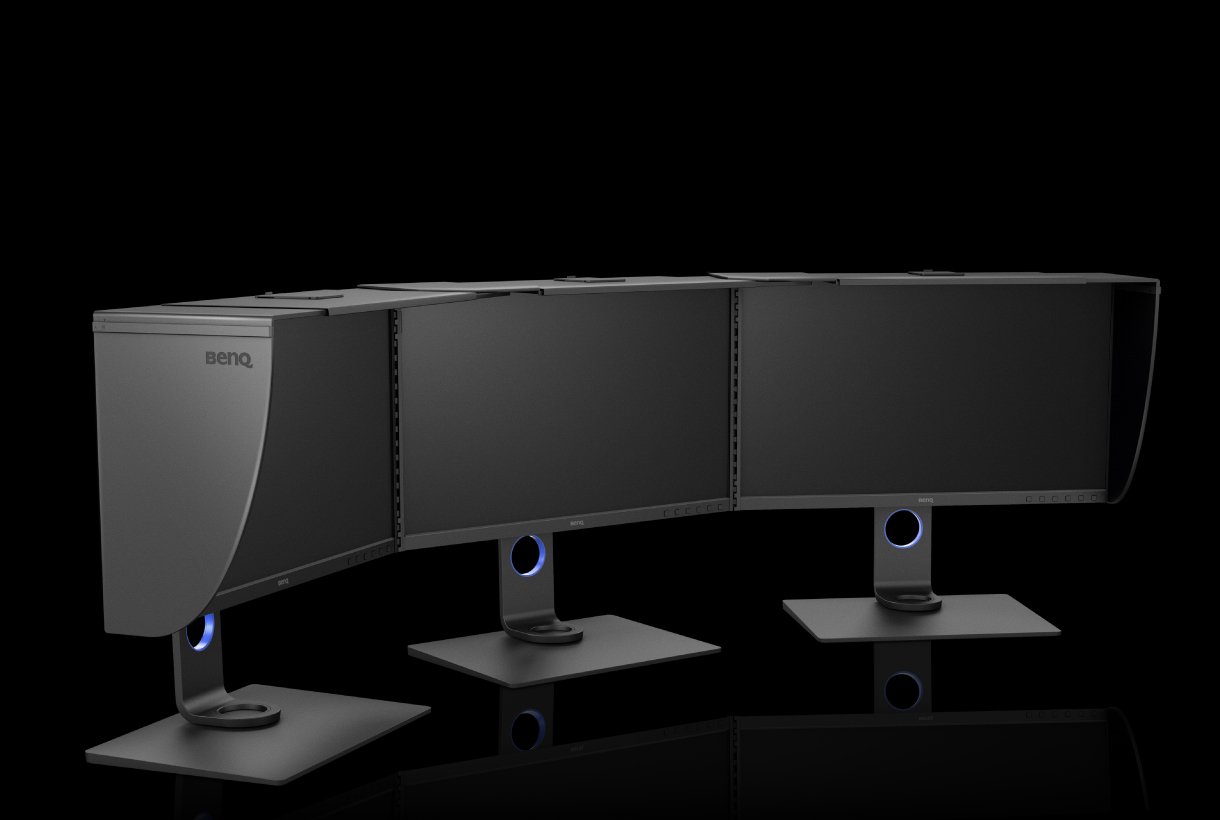
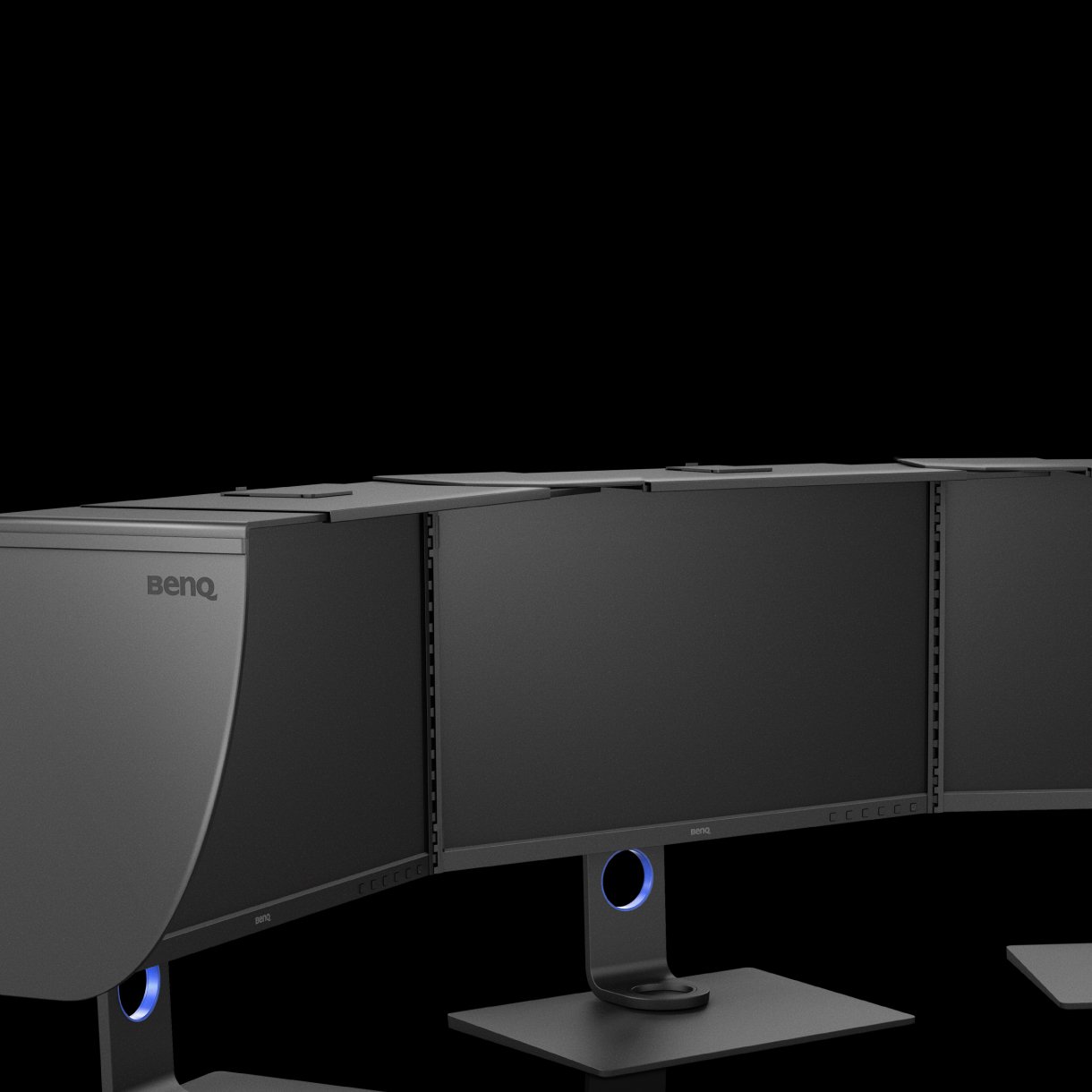
Shading Hood
Reducing unwanted glare from ambient lighting, the shading hood is perfect for BenQ PhotoVue Monitors.
Ergonomic Design
Create in comfort with your monitor in the ideal position.